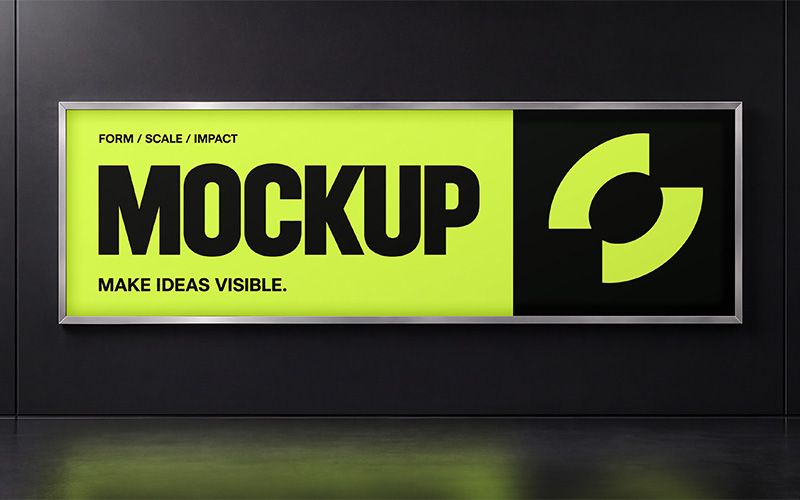
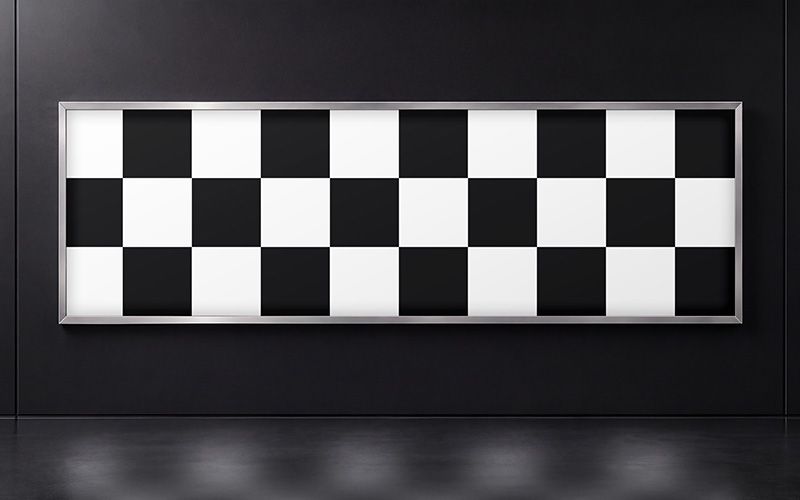
Make your brand message the focal point with the Free Subway Billboard Mockup. A wide illuminated panel sits inside a slim metallic frame against a dark paneled wall. Meanwhile, a soft floor reflection adds depth and gives the scene a convincing interior atmosphere.
The horizontal layout gives long wordmarks and campaign headlines room to breathe. For example, showcase store names, exhibition titles, event announcements, or concise promotional messages. In addition, the broad display area lets you combine typography with illustrations, logos, or geometric graphics. Keep one message dominant, then use supporting details to complete the composition.
This backlit sign mockup suits retail identities, gallery graphics, exhibition campaigns, and venue branding. Moreover, the front view helps clients assess logo scale, spacing, and balance across the display. The dark surroundings create a strong backdrop for bright colors and bold lettering. You can also explore restrained layouts that use contrast and generous spacing.
The layered PSD comes in 3840 × 2160 px resolution at 300 DPI. Organized layers make the file easier to navigate, while the archive includes a help file for editing guidance. First, open the PSD in Adobe Photoshop and follow the instructions to add your artwork. Then, review the margins near the frame and check the hierarchy of your text. Finally, export your finished image for a client presentation, portfolio, or campaign.
Both previews show the same front view with different artwork. The lime green design demonstrates a bold branding direction. Meanwhile, the checkerboard preview makes the display boundaries and lighting easy to examine.
We created the original scene using generative AI. Then, we manually refined the image and built a structured, layered Photoshop mockup.
Give your next logo or campaign the presence of illuminated signage. Add the Horizontal Lightbox Mockup on Black Wall to your toolkit and bring your brand presentation into focus.
