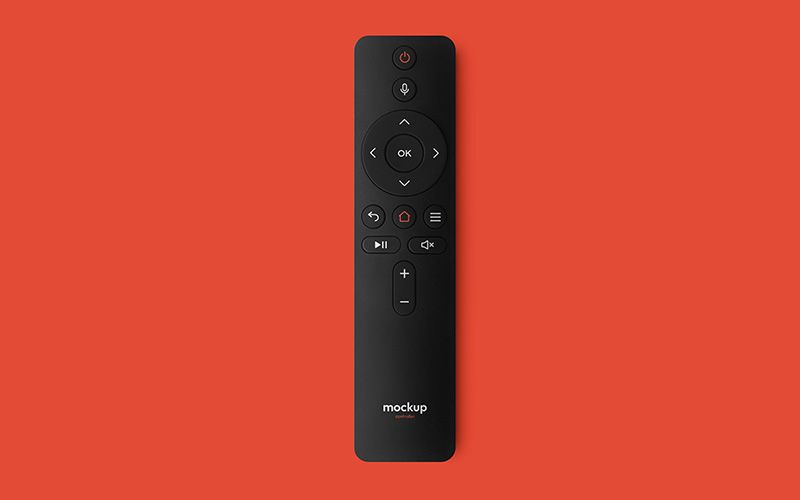
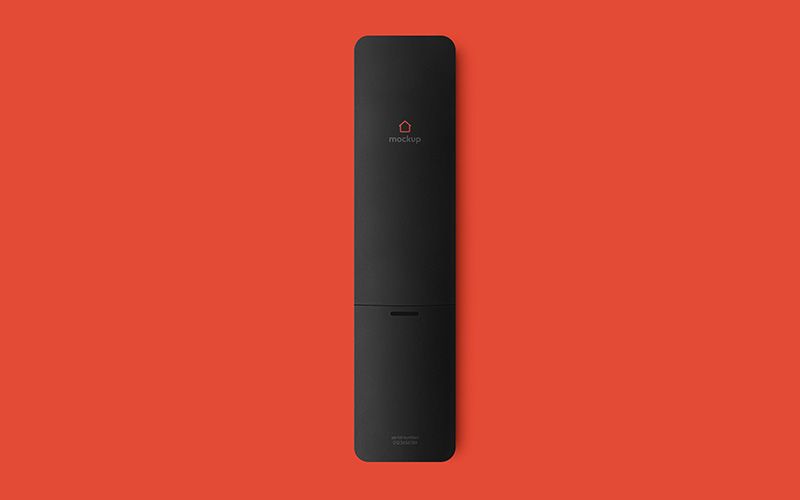
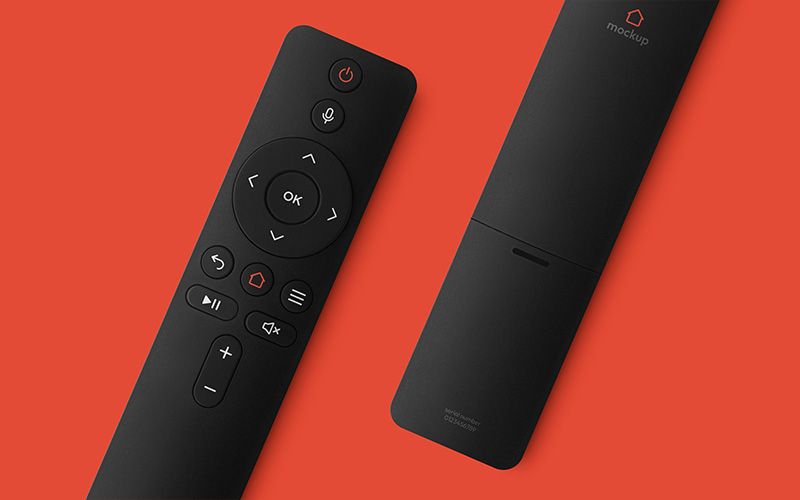
Show how your button icons, casing colors and brand mark work together on a TV remote. The TV Remote Control Mockup for Photoshop includes a straight front view, a matching rear view and a diagonal composition with both sides together. Use the three scenes in a hardware design proposal, product listing or portfolio.
Check the stroke width of the navigation arrows and the size of the OK label in the front view. The rear view gives you a clear area for a logo or small identification graphic. The paired scene lets a client see the button layout and rear branding in one image.
In Adobe Photoshop, open the Smart Object for the area you want to edit, place your artwork and save. The front PSD groups ten controls separately from the body, including the navigation ring and central OK button. Swap a single icon, compare a different body color or crop into the button cluster to show the matte grain and subtle shadows.
The download contains three layered PSD files, each 6000 × 4000 pixels at 300 DPI, plus a help file. Use a full view for the main product image and a close crop to show the finish and icon details.
