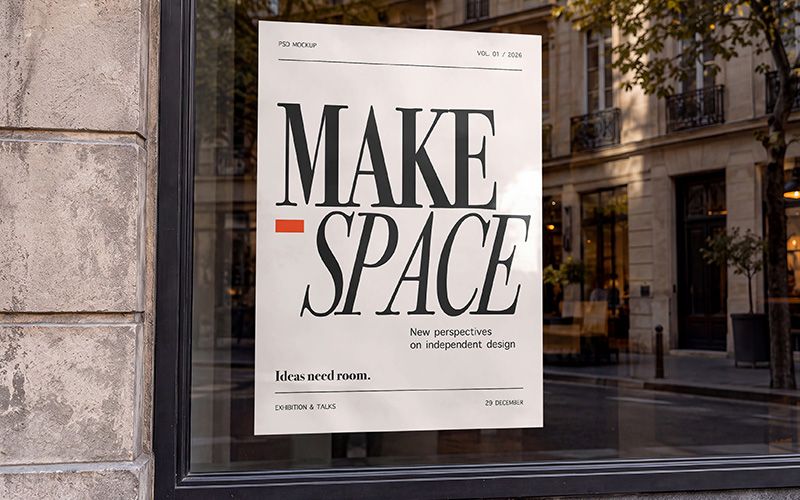
Bring your poster design into a realistic street setting with the Shop Window Poster Mockup. The scene features a portrait poster in a storefront window beside a textured stone facade. Meanwhile, reflected buildings and warm daylight give the composition depth and atmosphere. Your artwork becomes part of a familiar urban moment.
A shop window poster connects a brand with people passing outside. For example, showcase exhibition titles, event dates, collection launches, seasonal offers, or opening announcements. In addition, the portrait layout gives expressive typography and bold illustrations room to stand out. Use a strong headline, then support it with concise details and a clear call to action.
This storefront poster mockup helps you assess your design within its surroundings. Moreover, the glass reflections reveal how light interacts with different colors and text sizes. Review headline placement, margins, and contrast across the visible poster area. Then, refine the layout until the main message feels clear and balanced.
The layered PSD comes in 3840 × 2160 px resolution at 300 DPI. Organized layers make the file easier to navigate, while the archive includes a help file for editing guidance. First, open the PSD in Adobe Photoshop and follow the instructions to add your artwork. Finally, export the finished image for your presentation or campaign.
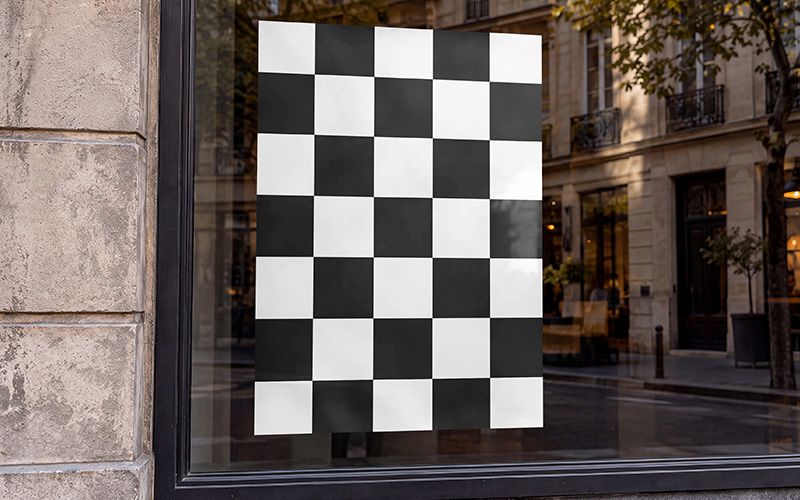
Use this window poster mockup for retail branding, gallery promotions, cultural events, portfolio projects, and client proposals. Furthermore, the street setting gives advertising concepts and social media previews a recognizable context. Both previews show the same storefront composition with different poster artwork.
We created the original scene using generative AI. Then, we manually refined the image and prepared it as a layered, organized Photoshop mockup.
Give your next campaign a presentation clients can picture on the street. Add the Shop Window Poster Mockup to your toolkit and let your artwork take its place in the window.
