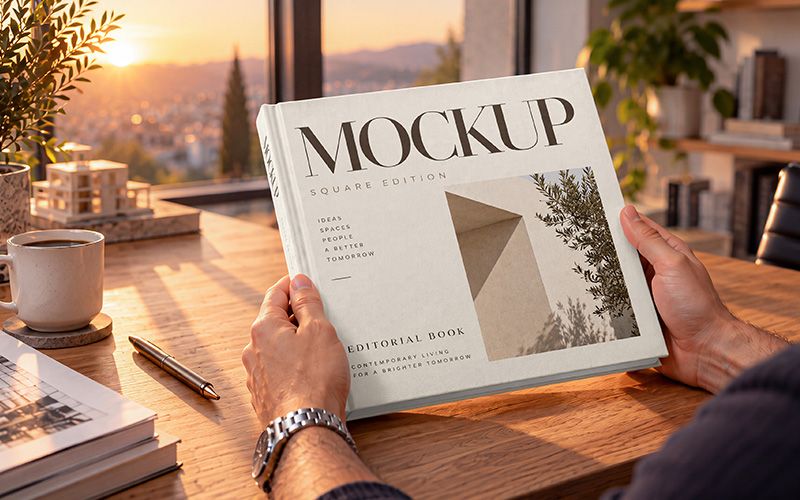

Present your next cover design with this square book mockup. The scene features a hardcover book held in hands at a wooden desk, with warm sunset light coming through the window. The front cover and spine remain visible, while a coffee cup, plants, and softly blurred studio background give the presentation a natural setting.
Use this hardcover book mockup for photo books, art collections, architecture publications, or editorial branding projects. For example, try a bold photographic cover, a simple typographic layout, or an illustrated design. You can also compare different concepts in the same scene before sharing them with a client.
The PSD document measures 3840 × 2160 px at 300 DPI. Its horizontal 16:9 composition works well for portfolio case studies, client presentations, and book launch visuals. The square book fills much of the frame, making your cover the main focus while preserving the surrounding atmosphere.
Add your artwork through Smart Objects in Adobe Photoshop. First, open the PSD and double-click the artwork Smart Object thumbnail. Next, replace the sample design and save your changes. Return to the main document to see the result, then export your finished image. Basic knowledge of Photoshop layers and Smart Objects will help you get started.
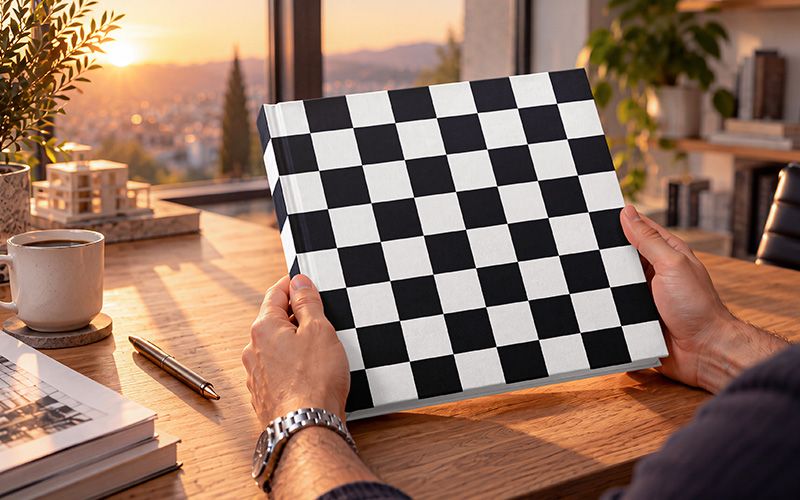
The three previews show a finished cover design, a checkered artwork placement test, and a colour variation highlighting the cover, spine, and lower edges. All three display the same scene and camera angle. Together, they show how artwork follows the book’s perspective and how contrasting colours look within the composition.
Keep important text clear of the hands near the lower corners. Because the scene uses warm lighting, your artwork will take on some of its golden tones. This makes the mockup especially suited to presenting the mood and character of your cover design.
This free mockup was created using AI tools.
